

Short answer: to send SMS through the Bloomwire SMPP API, create a Bloomwire SMS account, request SMPP credentials (system ID and password), connect to smsc.unecast.com on port 2775, bind as a transmitter, receiver or transceiver, then submit messages and process the responses and delivery reports. SMPP suits high-volume platforms and systems that already speak SMPP; for most applications an HTTP API is simpler.
Connection details at a glance
| Host | smsc.unecast.com |
|---|---|
| Port | 2775 |
| Credentials | System ID and password, plus an optional system type |
| Bind types | Transmitter, receiver or transceiver |
| Where to get credentials | developer settings |
Before you start
- A Bloomwire SMS account. Create one here.
- SMPP credentials issued for your account.
- A registered sender ID if you want messages to show your brand name. See the 2026 sender ID guide.
- An SMPP client library or platform, and someone familiar with configuring it.
Step 1: Create your account and request credentials
Sign up for a Bloomwire SMS account, then request SMPP credentials from the developer settings. You will receive a system ID and password, and a system type if your setup needs one.
Step 2: Open the connection
Configure your SMPP client to connect to smsc.unecast.com on port 2775 with the credentials you received.
Step 3: Bind to the server
- Transmitter: send messages only.
- Receiver: receive messages and delivery reports only.
- Transceiver: send and receive over one connection. This is the usual choice for applications that need delivery reports.
Step 4: Submit messages
Submit each message with the destination number, the sender ID and the text, plus any optional parameters such as validity period. Use GSM-7 encoding for English and Unicode (UCS-2) for Sinhala or Tamil. Unicode messages hold 70 characters per SMS instead of 160, so long messages are split into parts. Check lengths with our SMS character counter.
Step 5: Handle responses and delivery reports
For each submission the server returns a message ID, or an error code if the submission failed. Store the message ID, then match it against the delivery reports (receipts) that arrive later to update each message's status in your system.
Step 6: Plan for errors and reconnection
- Retry failed submissions with a back-off, and don't resend messages that were already accepted.
- Keep the session alive with periodic enquire_link requests, and reconnect automatically if the connection drops.
- Log errors with the message ID so you can trace any message later.
SMPP or HTTP API?
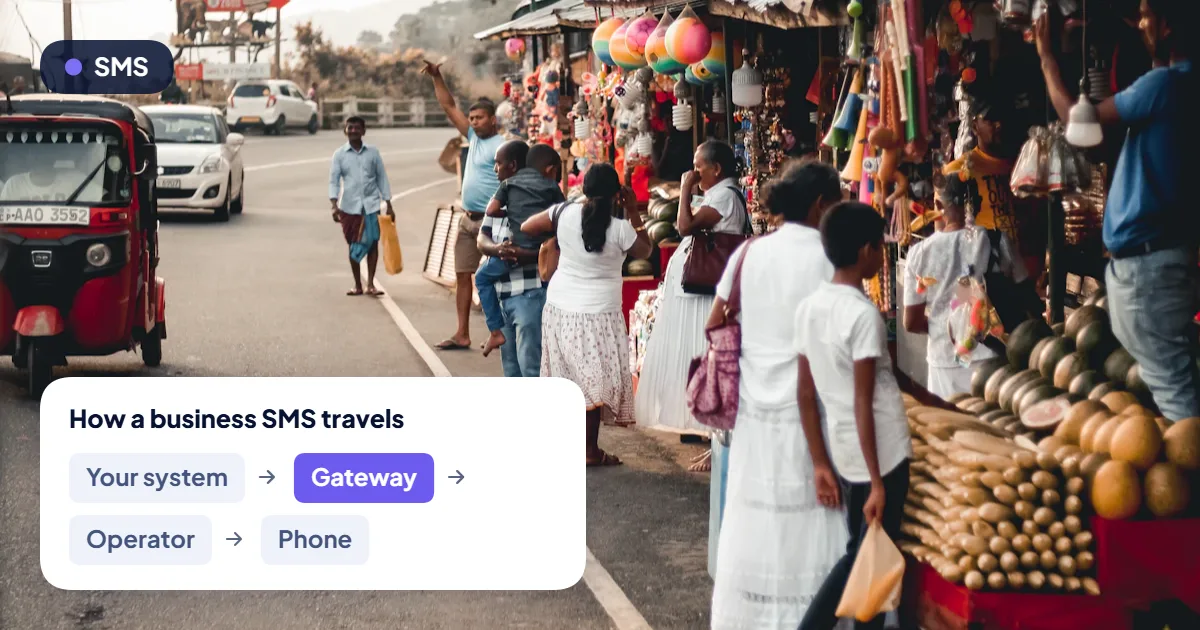
SMPP keeps a persistent connection and suits very high volumes. An HTTP API sends each message as a web request and is easier for most applications, such as OTPs and order updates. Compare them in REST API or SMPP for SMS in Sri Lanka, and see how messages reach phones in SMSC, SMS gateway and SMS API explained.
Pricing is the same per SMS whichever way you connect: LKR 0.50 per transactional SMS and LKR 0.70 per promotional SMS, taxes included. See the SMS gateway price list.
Frequently asked questions
What are the SMPP host and port?
Host smsc.unecast.com, port 2775.
Which SMPP bind type should I use?
Use a transceiver bind if you send messages and need delivery reports over one connection. Use a transmitter bind to send only, or a receiver bind to receive only.
How do I send Sinhala or Tamil SMS over SMPP?
Submit the message with Unicode (UCS-2) encoding. Each Unicode SMS holds up to 70 characters, and longer messages are sent in parts.
Where do I get SMPP credentials?
Create a Bloomwire SMS account and request SMPP credentials (system ID and password) from the developer settings.