
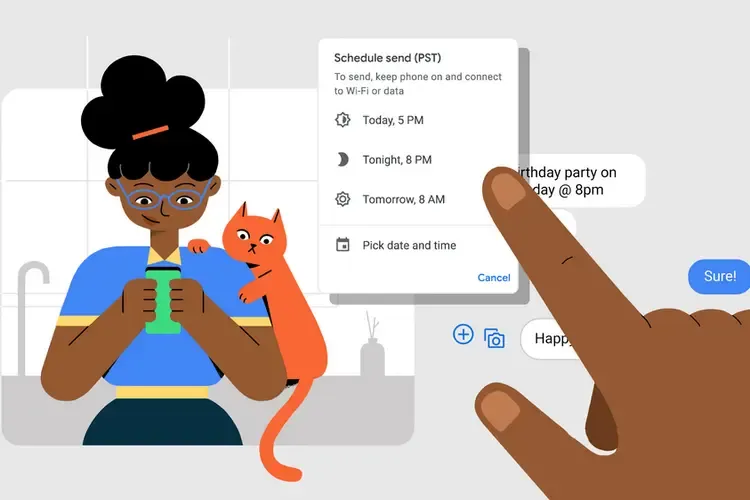
Short answer: SMS scheduling lets you write a message or campaign now and have it sent automatically at a date and time you choose. In the Bloomwire SMS gateway you set the send time when you create the message, so reminders, payment notices and promotions go out at the right moment without anyone pressing "send". It saves staff time, avoids forgotten messages and lets you plan campaigns around Sri Lankan holidays and busy periods.
Why schedule SMS?
- Right time, every time: reach customers when they are most likely to act, not when your team happens to be free.
- Less manual work: prepare a week's or a month's messages in one sitting.
- Fewer mistakes: reminders don't depend on someone remembering to send them.
- Better planning: line campaigns up with holidays, payday and seasonal sales in advance.
- Respectful timing: keep messages within sensible hours, never late at night.
Common uses for scheduled SMS
- Appointment reminders for clinics, salons and service businesses, the day before and on the day.
- Payment and renewal reminders before a due date, for loans, subscriptions, utilities and school fees.
- Event reminders with the date, time and venue.
- Promotions timed for weekends, payday or seasons such as Avurudu, Vesak and December.
- Staff notices for shift changes, meetings and deadlines.
- School updates for exam dates, registration deadlines and parent meetings.
- Greetings on festival days, scheduled well ahead.
Tips for timing
- Send during waking hours, from late morning to early evening, and avoid late nights.
- Remind at the right distance: a day before for appointments, and three to five days before a payment is due.
- Plan around the calendar. Our Sri Lanka marketing calendar 2027 and December 2026 campaign playbook list the key dates.
- Don't overload customers. For promotions, two to four messages a month is a sensible ceiling. See SMS promotions for local businesses.
- Check the length before you schedule: 160 characters in English or 70 in Sinhala or Tamil per SMS. Use our SMS character counter.
Scheduling from your own systems
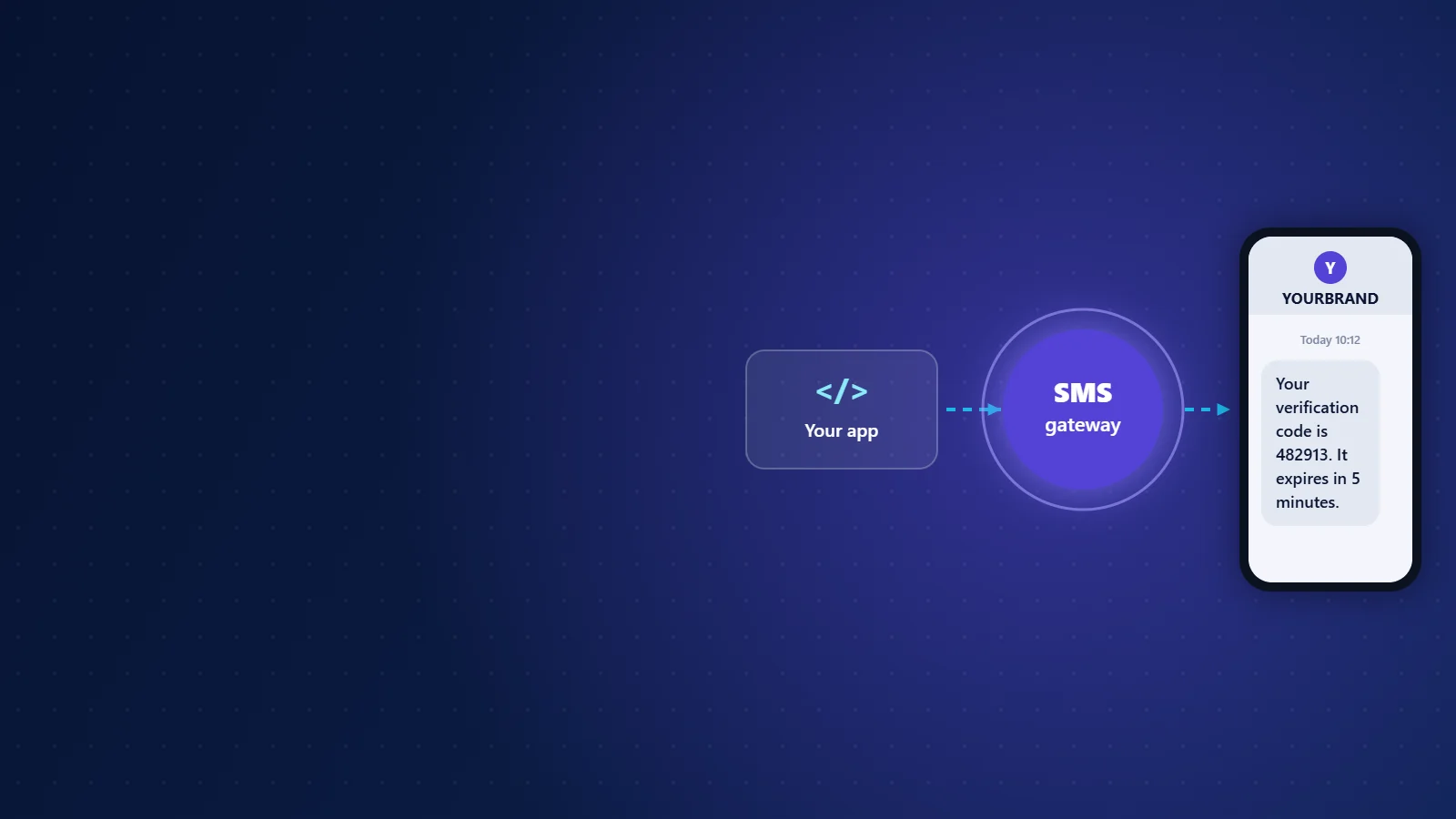
If reminders depend on data in your ERP, CRM or booking system, such as due dates or appointment times, your system can trigger them automatically through the SMS API at the right moment. See connecting WhatsApp and SMS to your ERP, CRM or online store.
Stay compliant
Scheduled promotions still need consent and an easy way to opt out. SMS senders follow the TRCSL opt-out directive, and Parts I and III of Sri Lanka's PDPA come into force on 1 January 2027. Read our PDPA guide.
Scheduling is part of the Bloomwire SMS gateway on the Bloomwire platform. A transactional SMS costs LKR 0.50 and a promotional SMS LKR 0.70, taxes included.
Frequently asked questions
Can I schedule SMS in advance?
Yes. In the Bloomwire SMS gateway you set a date and time when you create the message or campaign, and it is sent automatically.
What is the best time to send SMS in Sri Lanka?
Late morning to early evening on the relevant days. Send appointment reminders the day before, and payment reminders a few days before the due date. Avoid late nights.
How are scheduled messages charged?
At the normal per-SMS price: LKR 0.50 for transactional and LKR 0.70 for promotional SMS at Bloomwire, taxes included.
Can my system schedule SMS automatically?
Yes. Your ERP, CRM or booking system can trigger messages through the SMS API at the right moment, based on due dates or appointment times.